
Operator
Execute only what has been approved
Chainwall checks each onchain operation against approved people, contracts, tokens, and rules before executing it through a protected account.
Scroll to explore the diagram →
Static app
The console builds the request locally
A static browser app can read contract state and prepare calls without a backend deciding what the team has approved.SDK or bot
Let approved automation propose or run actions
Scripts and bots can propose or execute actions under the same onchain registry, policies, and protected accounts as human operators.Approved catalog
Define precisely what is allowed
Create trusted, programmable onchain action templates for protocol calls, transfers, governance actions, and vault operations.Live approval rule
Chainwall checks who approved this exact action
Current group membership and thresholds must satisfy the approval rule tied to the submitted operation.Allowed calls
Resolve only allowlisted contracts
A reusable workflow verifies if contracts are allowlisted in the registry and rejects a missing or substituted destination.Protected account
Block paths that skip the checks
A guarded Safe or purpose-built Chainwall smart account accepts the approved execution path and rejects unsupported direct calls.Approved destination
The protocol call finally runs
Execution reaches the approved target only after the operation, current rules, workflow, and account path agree.Verify the operation behind every signature
Chainwall checks that the call matches what people reviewed, the contract is approved, and the current approval rules are met.

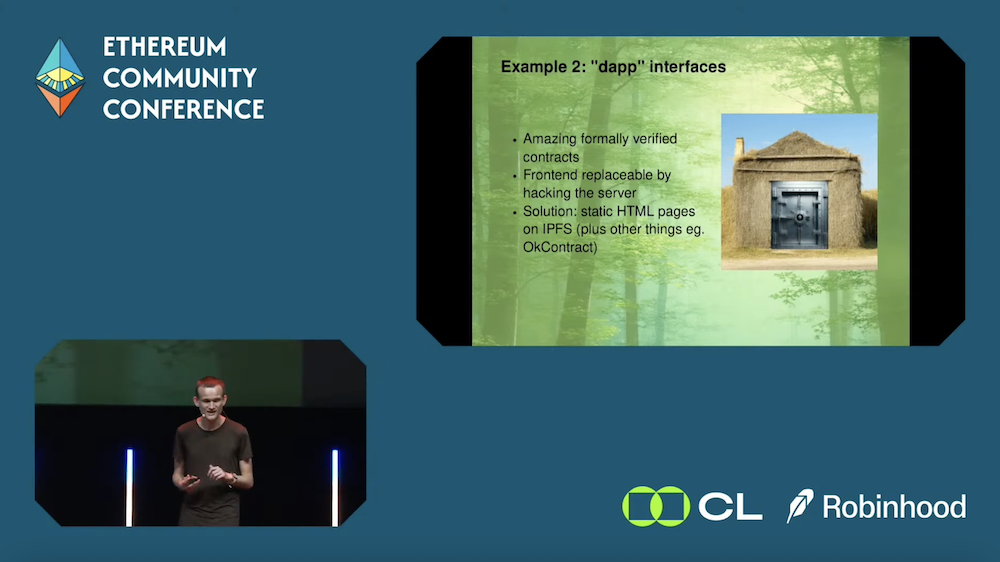
Cryptography doesn’t exist in a vacuum.
A valid signature can authorize the wrong operation when interfaces, permissions, contract addresses, account paths, or admin changes are compromised.
Configure the rules, approve one action, then execute
Define approved people, contracts, and rules, then tie each approval to the exact action a protected account will run.
Configure
Register approved people, contracts, token records, rules, and accounts.
Approve
Bind approval to the exact action, deadline, operator, and account.
Execute
Recheck current state and run through a protected account.
Enforce execution rules and review sensitive changes
Chainwall checks the current policy, exact request, allowed calls, and account path when an action runs. Teams can separately configure approvals and waiting periods for sensitive changes.
For treasuries, protocols, vaults, and automation
Apply the same approved lists and approval rules to human operators, governance approvers, protocol admin tools, and bots.
Treasury operations
Run transfers, lending, staking, fee sweeps, and rebalances as repeatable actions, with stronger approvals for unusual requests.
Protocol administration
Require specific approvals for market listings, oracle rotations, supply caps, pauses, upgrades, and controller changes.
Multiple protected accounts
Use separate accounts for each strategy, desk, or customer while reviewing permissions and activity in one place.
Restricted automation
Limit bots and internal tools to named actions and approved contracts.
List markets with approved tokens and price feeds
An approved market listing remains blocked until a separate token-catalog write containing the registered price feed receives operations and risk approval and completes its one-day wait.
See the tested sequencePrepare operations locally and verify them onchain
The browser console builds transactions locally. Smart contracts check the submitted call, protected accounts block bypasses, and sensitive admin changes can be delayed. A compromised interface therefore has fewer ways to turn a lie into execution.
Block
Reject calls, operators, contracts, rules, or account paths that do not match the approved action.
Delay changes
Delay sensitive permission changes for separate approval and review before they become active.
Verify onchain
Read approved catalog, policy, pending changes, approvals, and execution records directly from the chain.
Frequently asked questions
What Chainwall checks, how it works with existing accounts, and how teams deploy it.
What is Chainwall?
Chainwall is a smart-contract system for privileged onchain operations. It checks who is acting, which contracts and approved token records an operation may use, what approvals are required, and which exact action may run from an account holding funds.
Does Chainwall require a trusted backend?
The browser console builds requests locally, reads contract state, and submits directly to the chain, where smart contracts make the final decision. Optional services can help with convenience.
Who is Chainwall for?
Chainwall is for protocol teams, treasuries, funds, DAOs, vault operators, and product teams that need repeatable actions, clear approvals, protected accounts, and slower changes to sensitive permissions.
Make your onchain stack more secure
We can help you identify potential vulnerabilities in your stack. Our team will suggest how to set up Chainwall to restrict access to protocol admin governance, constrain boundaries to protect privileged operations from internal and external threats.